How I Optimized My Workspace to Save Energy Without Losing Productivity
By David Bakare
September 29, 2025
4 min read
macOSProductivityEnergy SavingNeovimDeveloper Setup
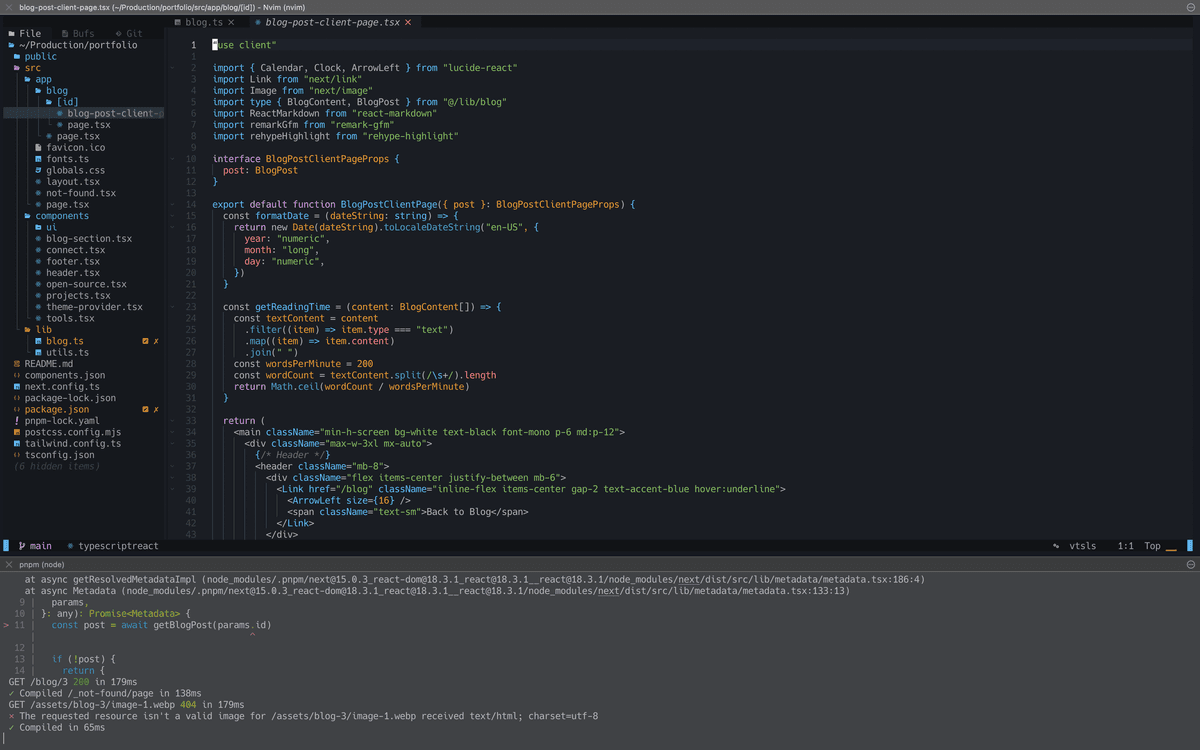
macOS Energy Optimization
This blog post is about how I set up my workspace to consume as little energy as possible without completely crippling my workflow.
Operating system: macOS
Over the past few months, I've been hunting for a text editor that doesn't murder my battery. I switched from VS Code to Neovim because it's a TUI and far lighter, but the endless configuration nearly broke me.
To learn, I started the Advent of Neovim in December 2024. While others exchanged Christmas gifts, I was busy learning Lua and running :nvimTutor. By January, I had:
It worked, but navigation was clunky. I spent too much time mashing keys just to move across files. Eventually, I caved and returned to VS Code. With minimal extensions (no Copilot—AI in editors is too power-hungry), life was simpler.
Then came Zed: built with Rust, lightweight, beautiful, and marketed as the future. I tried it. At first, it was smooth, but AI features often failed when using my own API key. Strange.
After a few days, I noticed unusual battery drain. One session with two Zed windows, Docker (MySQL), and Chrome open drained my Mac from 100% to 10% in under 90 minutes. Normally, the same setup with VS Code lasts 4–6 hours.
Checking Activity Monitor, Zed alone ate over 60% of the battery. Chrome (6 tabs) sat around 2–4%, and Docker just 6%. I suspected Zed was forcing the GPU to run at full tilt.
That was the final straw. I needed an editor that respected my battery.
So I'm going back to Neovim—but smarter this time.
Problems last time:
Solution: I skipped the config hell and installed Astronvim (astronvim.com). It ships with sensible defaults, LSPs, and Treesitter preconfigured. Yes, it has some extras I may not need, but overall it's lighter and more efficient than GUI editors.
I didn't stop at Neovim. Here's how I optimized the rest of my macOS setup:
1. Browser
Chrome is my daily driver but it's notoriously resource-heavy. My fix is Safari—lightweight, energy-efficient, and good enough for docs and ChatGPT. Chrome stays installed for accounts and passwords, but Safari is my main dev browser.
2. MySQL & Services
Running databases in Docker felt clever, but spinning up the entire daemon for one service is wasteful. My fix: install MySQL locally with Brew:
brew services start mysql
Way faster than waiting for Docker to boot.
3. Disable Spotlight Indexing
Spotlight constantly eats CPU while indexing. I selectively disable it using mdutil:
sudo mdutil -i off /
# Turn back on
sudo mdutil -i on /
This prevents background drain.
4. Low Power Mode (LPM)
Useful, but tricky. LPM slows the CPU, which is fine for light work (docs, reading). But for heavy tasks, it can backfire: slower CPU = longer task = more energy used. My rule: enable LPM for light work, disable it for heavy lifting.
This setup isn't perfect, but it's balanced. Neovim with Astronvim gives me a fast, battery-friendly editor. Safari trims browser overhead. Running MySQL locally avoids Docker's bloat. Spotlight indexing is under control, and LPM is used strategically.
Result: my Mac lasts significantly longer on battery while still letting me get real work done.